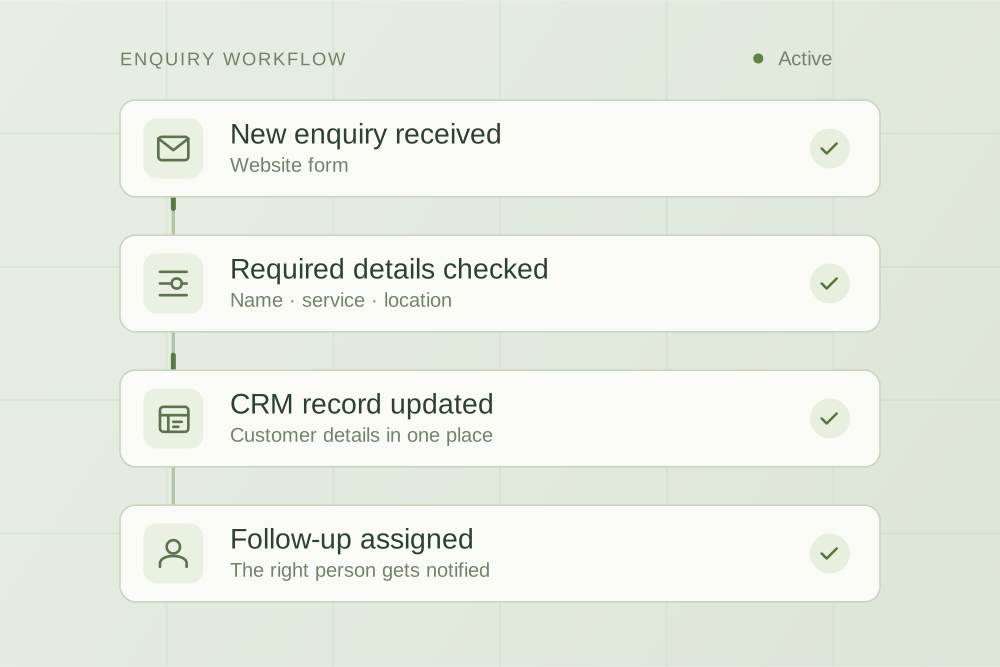
Use one real task to work out what’s ready, what needs clarifying and what to bring to a supplier conversation. Includes a worksheet you can keep and edit.
What you need before a build
You are ready to scope an automation when you can describe one repeatable task, identify the person responsible, locate the necessary information and explain how you will judge the result. You do not need a perfect process map. You do need to know where a person must make the decision.
Prepare a one-workflow brief
Use this checklist with the person who does the work today. Pick a recent, representative example and remove personal or confidential details before sharing it with a prospective supplier.
Download the editable worksheet
Plain text, no signup. Open it in a text editor or paste it into your own document. The worksheet stays with you unless you choose to share it.
1. Name the task and its owner
Write a sentence with a trigger, an action and an end state. For example: “When a complete website enquiry arrives, create one record in the job system and assign it to the office for review.”
- What starts the work?
- Who does it now, and who covers their absence?
- When is the task complete?
- What should stay outside the first project?
If two people describe different versions, resolve that difference first. Automating an unclear responsibility can make an enquiry move faster without making anyone responsible for it.
2. Record a starting point
Choose a defined period and note the number of times the task occurred, the approximate hands-on time and the common corrections. Label estimates as estimates. Include failures and abandoned requests, not just successful jobs.
Then choose one primary outcome: less copying, fewer unassigned enquiries or a shorter wait for review, for example. Add a quality check such as correct assignment or complete context. A system can be faster while making more mistakes.
The budgeting guide shows how to use working assumptions without treating every hour saved as extra revenue.
3. List the tools and the source of truth
List where the information starts, where it must end up and which record should win if two systems disagree. Note the software plans and who administers the accounts. You can record account owners without sharing passwords.
Ask whether existing settings or native automation can cover the need. business.gov.au’s AI guidance recommends checking tools you already have and trialling changes in a small number of areas. An additional AI service is only one possible route.
Leave uncertain integration access marked “to confirm”. A logo on a supplier’s website is not confirmation that your plan exposes the fields or actions this workflow needs.
4. Decide what information is necessary
Write down the minimum fields needed for this task and identify any personal, confidential or sensitive information. Decide who should be able to see each part and where the original record remains.
For an initial supplier conversation, a fictional message or de-identified screenshot may demonstrate the problem. Keep credentials and real customer records out of the worksheet. The supplier selection guide covers the data-handling questions to resolve before a live connection.
5. List the exceptions and human decisions
Write down the awkward cases you already recognise. These often determine the real scope:
- A required field is missing or contradicts another record.
- The same request arrives twice or is retried after a timeout.
- A customer changes their request after it has been assigned.
- A connected tool is unavailable or refuses an update.
- The next step needs a price, approval or confirmed availability.
Give each exception an owner and a recovery path. “Notify the team” is incomplete until you know where the notification goes and how someone can recover the work.
6. Agree what passing looks like
Create a small acceptance table with an input, expected result and reviewer. For a repeated enquiry, the expected result could be one assigned record and no second follow-up. For a failed transfer, it could be a visible error containing a safe reference to the recoverable original.
Agree how to pause the workflow and continue manually. Include staff instructions and the ongoing support arrangement in the scope. Our workflow automation page explains how those checks fit into a build.
Use the checklist to choose the next step
| What you found | Useful next step |
|---|---|
| The task, owner and inputs are clear | Scope a small implementation and confirm technical access |
| The process differs by person | Agree a shared process and ownership before automating it |
| The current tool may already do it | Test that feature against the same acceptance examples |
| The inputs are incomplete or inconsistent | Improve intake or record quality before relying on automated actions |
| The task is rare and quick | Compare the build and support effort with a simpler manual improvement |
You can bring an incomplete worksheet to a discussion. The unanswered parts help identify what needs investigating before anyone can give a meaningful scope or price.

Practical thinking on AI, automation and the work behind a business.