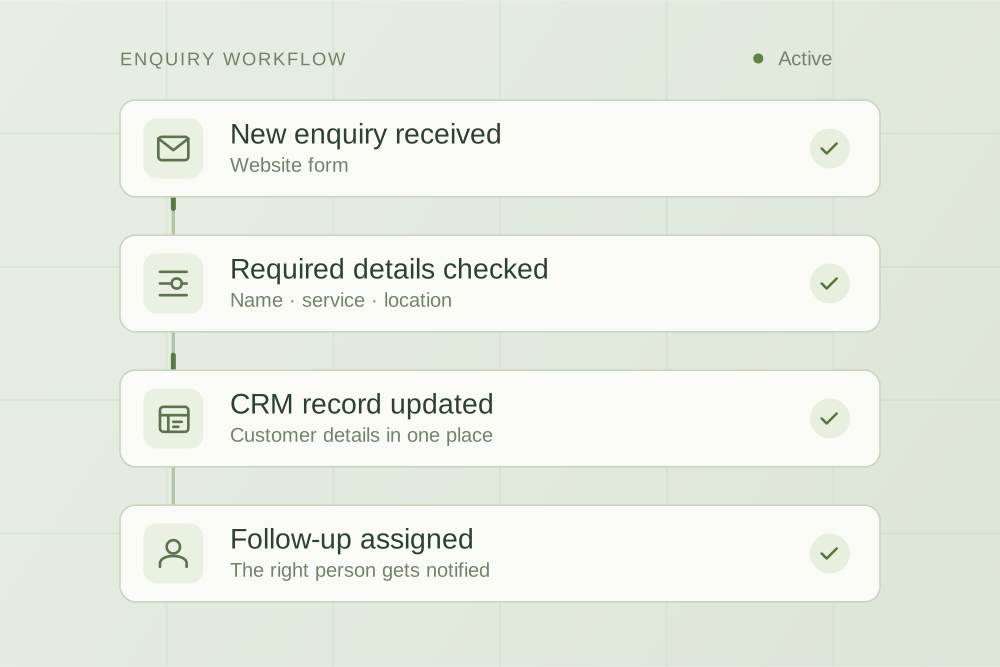
Connect an accepted engagement to a delivery team that has the right context. Includes a proposed workflow, handover fields and practical acceptance tests.
A practical starting point
Client onboarding automation connects an accepted engagement to a complete, assigned delivery record. For a consulting firm, start with the approved scope, client contact, project owner and required information. Automate routine setup and reminders, use AI for draft summaries where helpful, and keep client acceptance, permissions and kickoff approval with the responsible people.
A client signs, then receives another form asking for details they already provided. The delivery team opens a project without the latest scope. Someone chases the same missing document twice. These are handover problems that a well-defined onboarding process can address.
The workflow below is an original planning example for small consulting and professional services teams. It is not a report of a client deployment. Firms handling regulated advice or specialist acceptance checks need to define those requirements separately.
Define when onboarding starts and finishes
Choose an explicit start event that matches your firm's process. That could be an engagement accepted by the firm after signing and any required checks. A salesperson moving a CRM deal to "won" may be insufficient if the agreement is still unsigned or the scope is unresolved.
For this example, onboarding finishes when the delivery owner has the approved scope, the required intake information and confirmation of the next agreed action. Creating a folder or sending a welcome email does not by itself establish readiness.
Keep a small set of visible states: awaiting acceptance, collecting information, ready for review, ready for kickoff and paused. A named person owns each exception. When a client withdraws or the engagement pauses, downstream messages and setup steps must respect that change.
What information should pass into delivery?
| Field | Source to use | If it is missing or conflicts |
|---|---|---|
| Engagement ID and client name | The accepted engagement record | Hold setup and resolve the identity of the engagement |
| Approved scope and exclusions | The accepted document version | Send to the engagement owner; do not infer from sales notes |
| Client contact and delivery owner | Confirmed records in the agreed source system | Assign an internal task before sending client messages |
| Required intake items | The checklist for this service | Show exactly which items remain outstanding |
| Target dates and dependencies | The approved schedule and current client responses | Flag disagreement and hold date promises |
| Access and sharing permissions | The firm's approved access decision | Keep access closed until the responsible person approves it |
Pick a source for each field. Do not let the CRM, a spreadsheet and a proposal all silently compete to be the latest record. Preserve links to the underlying material so a reviewer can check a summary.
A client onboarding workflow you can scope
- Check the start conditionsConfirm acceptance and the required approvals. Use the engagement ID to recognise an event that has already been processed.
- Prepare internal setupCreate the agreed project tasks and document location with restricted access. Record what completed, so a retry can resume without duplicating everything.
- Collect missing informationPrepare an intake request showing only outstanding items. Use the approved client contact and channel. Agree who can release the message.
- Track replies and exceptionsUpdate received items, flag ambiguity and stop reminders for completed items. A reply asking to pause goes to the owner and suspends the relevant sequence.
- Review the kickoff briefThe delivery owner checks scope, dependencies, access and remaining questions. Only then does the record move to ready for kickoff.
For a Microsoft 365-based firm, these steps might connect a supported CRM, SharePoint and internal approval tasks. Microsoft documents approval actions in Power Automate, including a step that waits for a response. That is a product capability, not verification that your particular CRM, licence or proposed workflow will work without further configuration.
Which parts benefit from AI?
AI can help prepare a handover summary from approved notes, extract proposed intake fields or flag a reply that appears to ask a question. Show the original wording alongside its interpretation. Ambiguous or consequential requests should reach a person.
Use rules for known conditions such as "the checklist is incomplete" or "this engagement is paused". A model should not invent a missing address, infer acceptance of new scope or choose who can see a confidential folder. Drafting a helpful reply is a different action from authorising its release.
Before adding AI, try the process with structured fields and your existing software. If those solve the handover, there may be no reason to add a model. Our consulting AI implementation guide explains how to compare the options.
Test the cases that interrupt real onboarding
| Test input | Expected behaviour |
|---|---|
| The same acceptance event arrives twice | One onboarding record, one set of tasks and no duplicate welcome message |
| The CRM says won but the engagement is not accepted | Setup waits for the agreed start conditions |
| The client supplies only some requested items | Only the remaining items stay outstanding |
| The client says "please hold this until next month" | The owner reviews the request and the sequence pauses pending resolution |
| The proposal changes after the brief was approved | The brief returns for review against the new version |
| Folder creation succeeds but the project tool is unavailable | The failure is visible; retrying does not create a second folder |
| A staff member lacks access to the client file | The summary and linked documents do not reveal that restricted content |
Test reminders against changed state at the time of sending. A reminder prepared yesterday may be wrong after the client responds today. Also test what happens if the assigned owner is absent and who can take over.
Decide what each tool is allowed to receive
Collect only the information needed for the engagement and use approved channels for client documents. Document the systems receiving those records, the access required and the retention settings. Use fictional or suitably de-identified records while investigating the design.
The OAIC's guidance on commercial AI products provides questions to consider before introducing an AI tool. This workflow is not a substitute for checking the privacy, contractual and professional requirements that apply to your firm.
Measure the complete handover
Track the elapsed time from the agreed start event to delivery readiness, staff time spent preparing and checking records, client requests for information already supplied, and records reopened because something was wrong. Record how many engagements you measured and whether their scopes were comparable.
Separate time waiting on the client from time waiting on your team. If most delay comes from an unresolved scope decision, faster folder creation will have little effect. Compare the pilot with the previous process before expanding it to more services.
Use the consulting automation pilot worksheet to record the start conditions, owners, exceptions and results. It is editable and requires no signup.
What should an onboarding implementation proposal include?
Ask for the connected systems, field sources, permissions, trigger conditions, message approvals, failure handling and acceptance tests in writing. Include setup costs, recurring software costs, support responsibilities and how your team can pause or leave the system.
AppliedAgents scopes and builds workflow automations and integrations around existing business tools. Our Emoney enquiry-handover project is a delivered example of carrying context forward to a person. The consulting onboarding process on this page remains a proposed design whose integrations and scope would be checked for your firm.

Practical thinking on AI, automation and the work behind a business.